
Follow the work. See the real screens.
These are unretouched captures from the goodDingo beta running with the repository’s fictional sample organization. They show the current interface—not a customer deployment, clinical recommendation, or production-readiness certification.
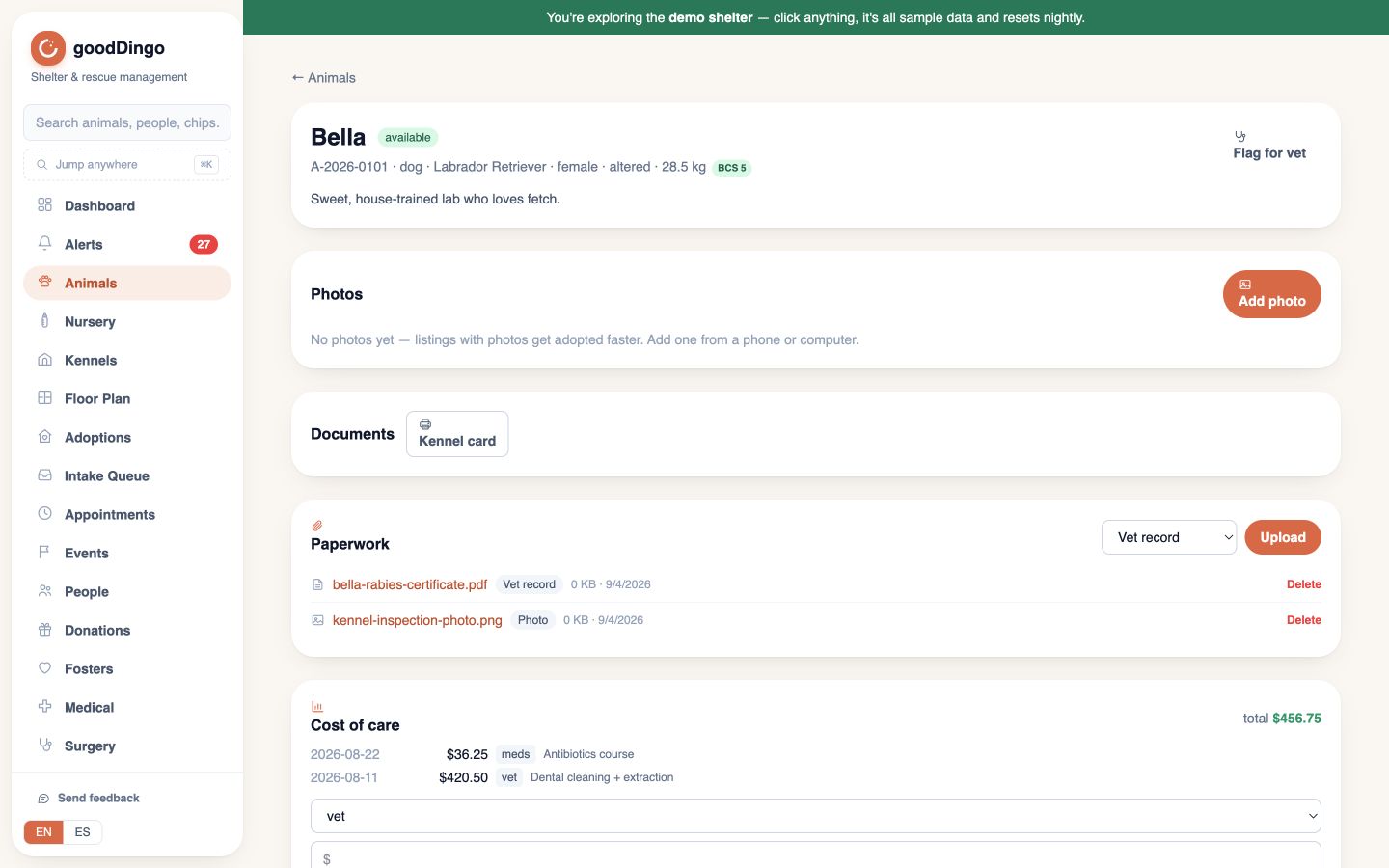
Start with the animal.
The record brings identifiers, status, photos, documents, medical history, and daily care together. Sample names and records are fictional; attachment placeholders are not real documents.
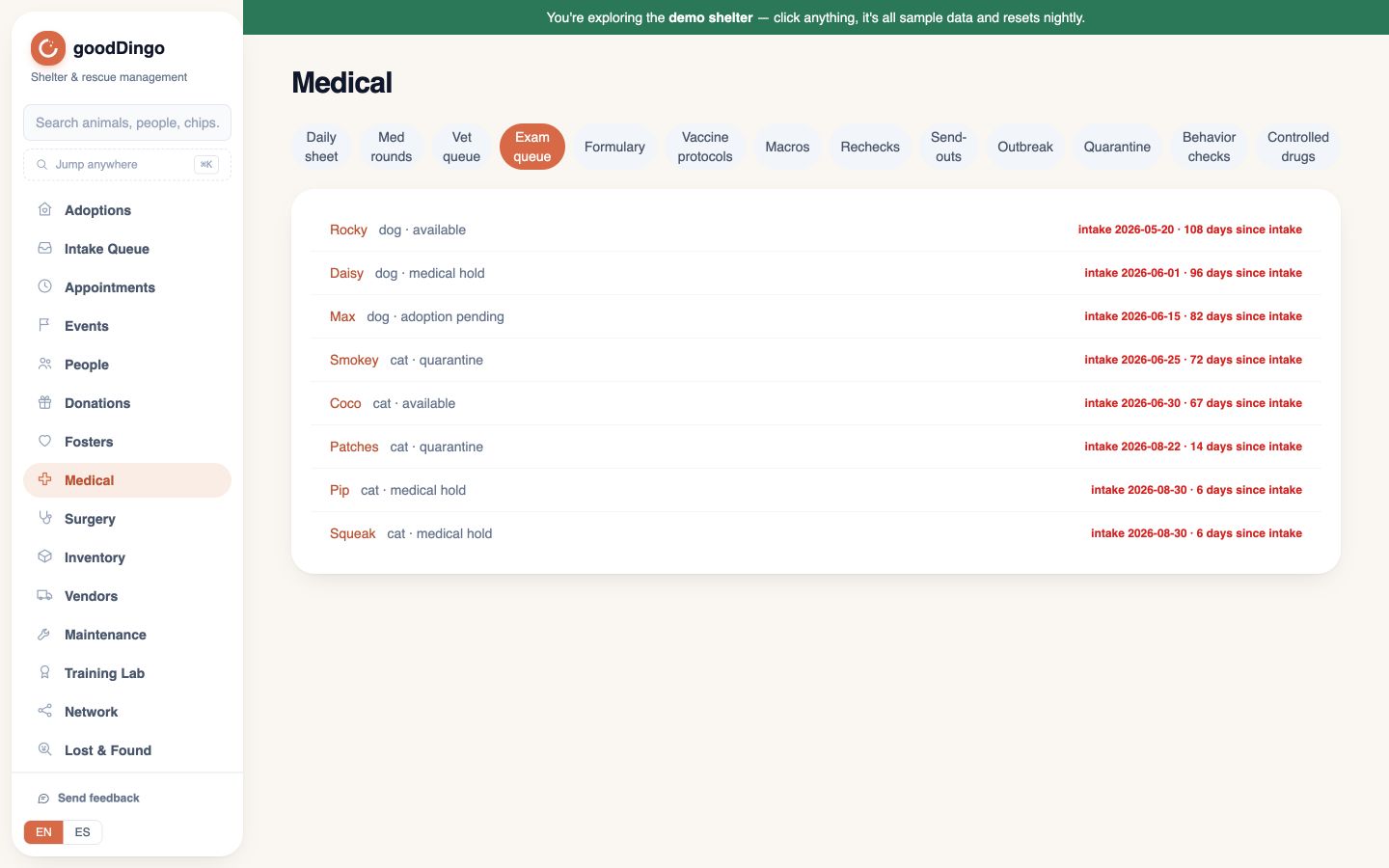
See who still needs an exam.
The Medical workspace groups daily care, exam queues, medication rounds, and other clinical tools. The screen shown is the intake-exam queue. Veterinary decisions and validation remain your clinical team’s responsibility.
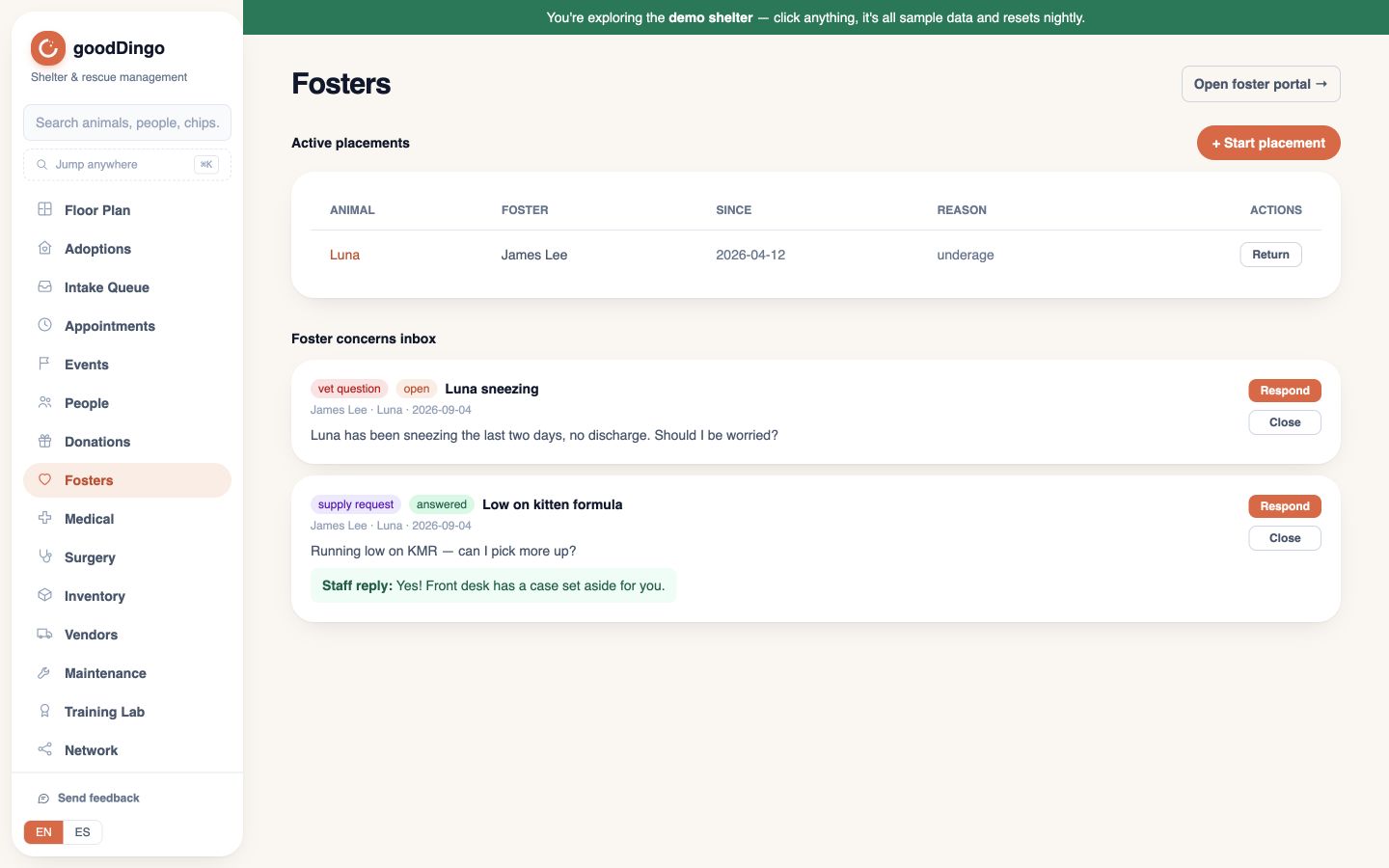
Keep the placement and the conversation together.
See current placements and review foster concerns. Adoption applications and outcomes are separate connected workflows in the beta; this view is specifically the foster workspace.
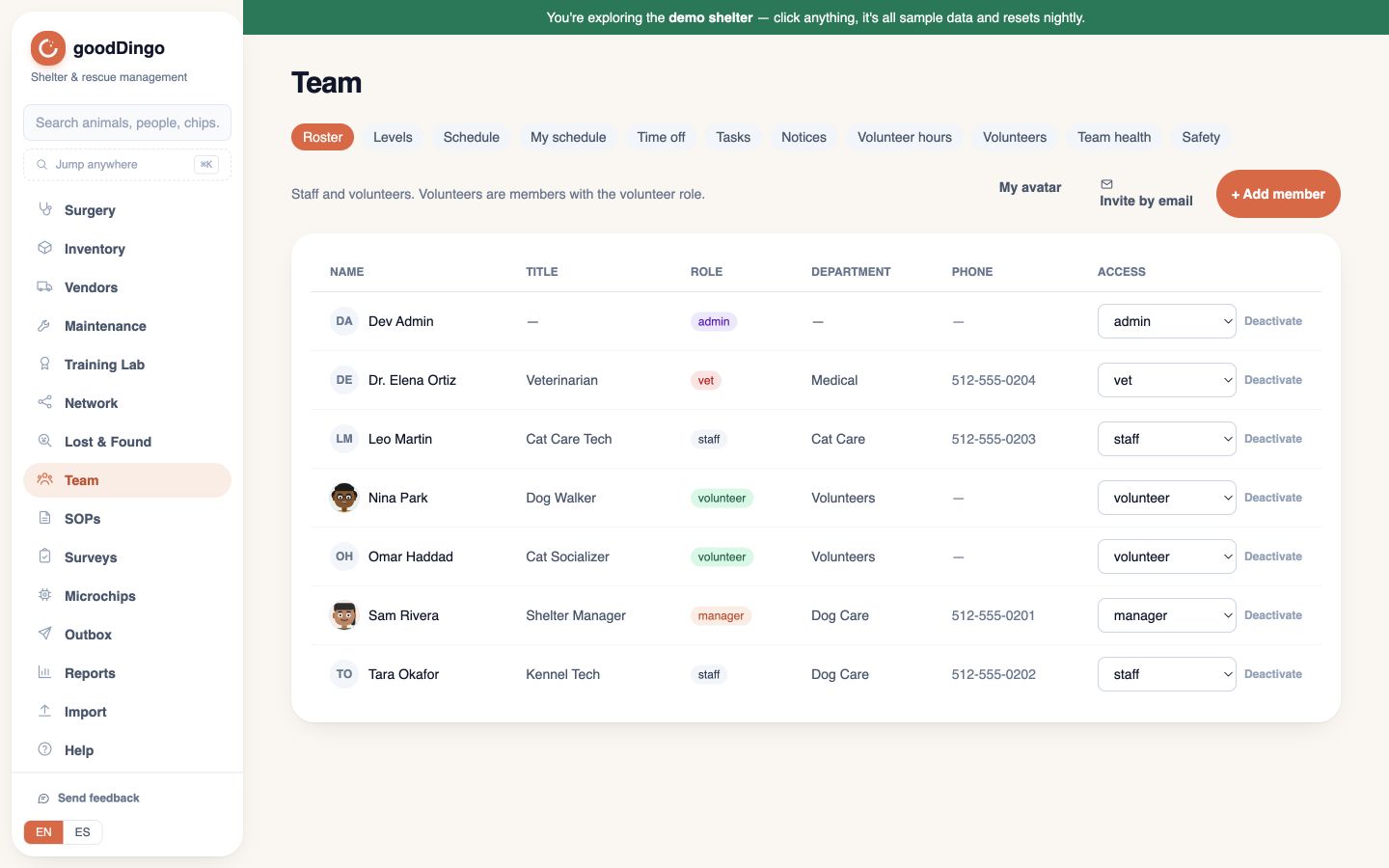
Coordinate the people doing the work.
Team tools include schedules, tasks, volunteer hours, and staff notices. Notice acknowledgements are not animal-specific handoff read receipts. English/Spanish coverage is partial; free-text notes are not translated automatically.
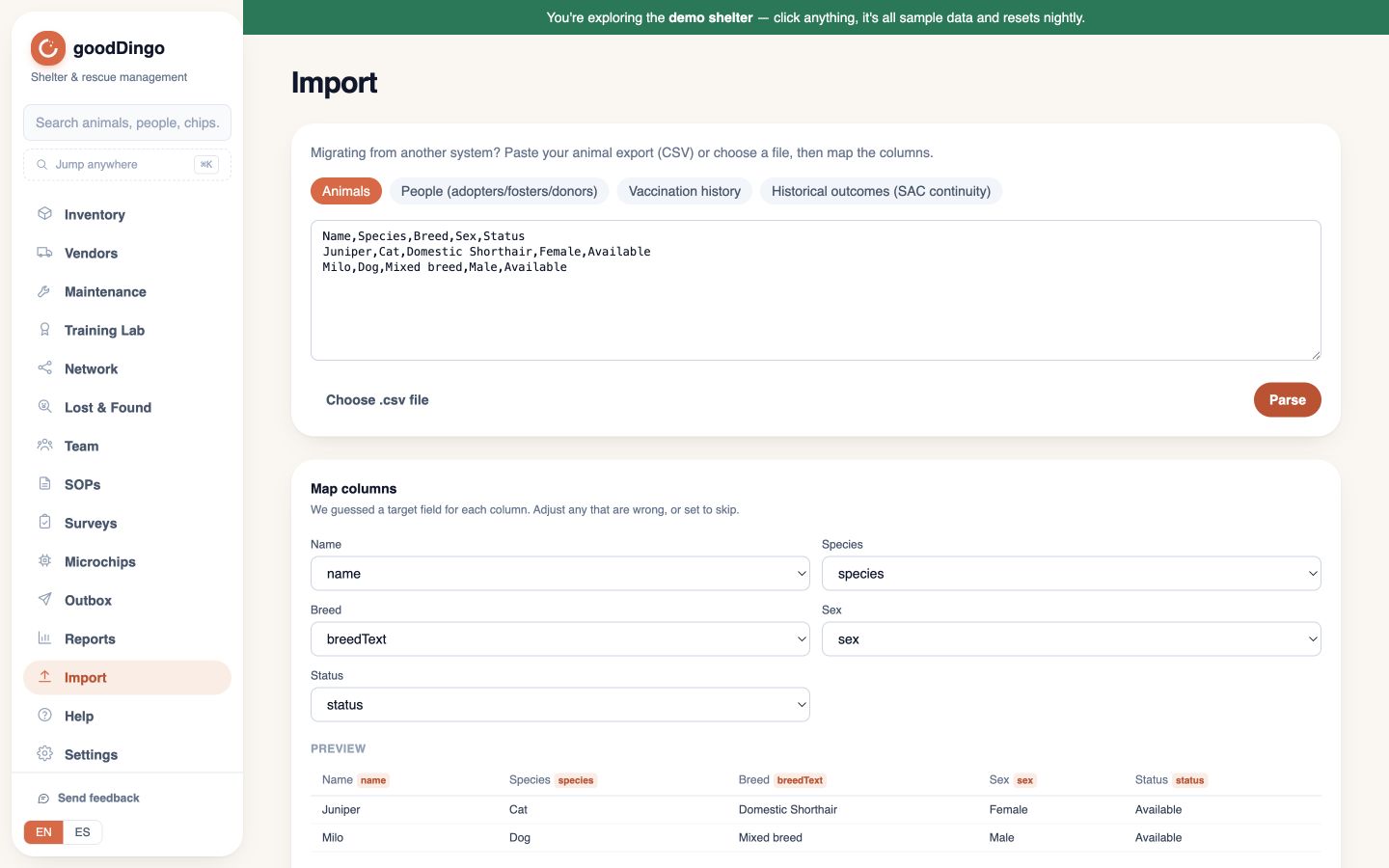
Review the mapping. Keep an exit path.
The importer handles animals, people, vaccinations, and historical outcomes as separate CSVs. Preview a mapping before committing. Export supported records as CSVs in a ZIP; validate coverage, counts, and attachments before switching systems.
Now test the workflow that matters to you.
Bring your questions, not live customer data. Confirm staff access, migration coverage, backups, and support before production use.
Request a beta demo